
10 creative business essentials I swear by
I’ve been running a solo creative business for over a decade, and in that time I have tried a lot of different tools to get things running as simply and ease-fully as I can. There’s some things that have found their way to the heart of how I run things, and it’s these 10 creative business essentials that I’m sharing with you today.
Technology (and the world) is always changing, so this is really just a snapshot of how things stand for my online business at the start of 2026, but I’ve been using almost of all of the essentials I list below for years now. They’re all things I use at least weekly - if not daily - in my work, and I can’t imagine life without them or something very similar.
Note: some of the links below are affiliate links. I only ever offer affiliate links to products I personally use and appreciate, and hope you will too!
My 10 Creative Business Essentials
1. Squarespace
my website & Email marketing
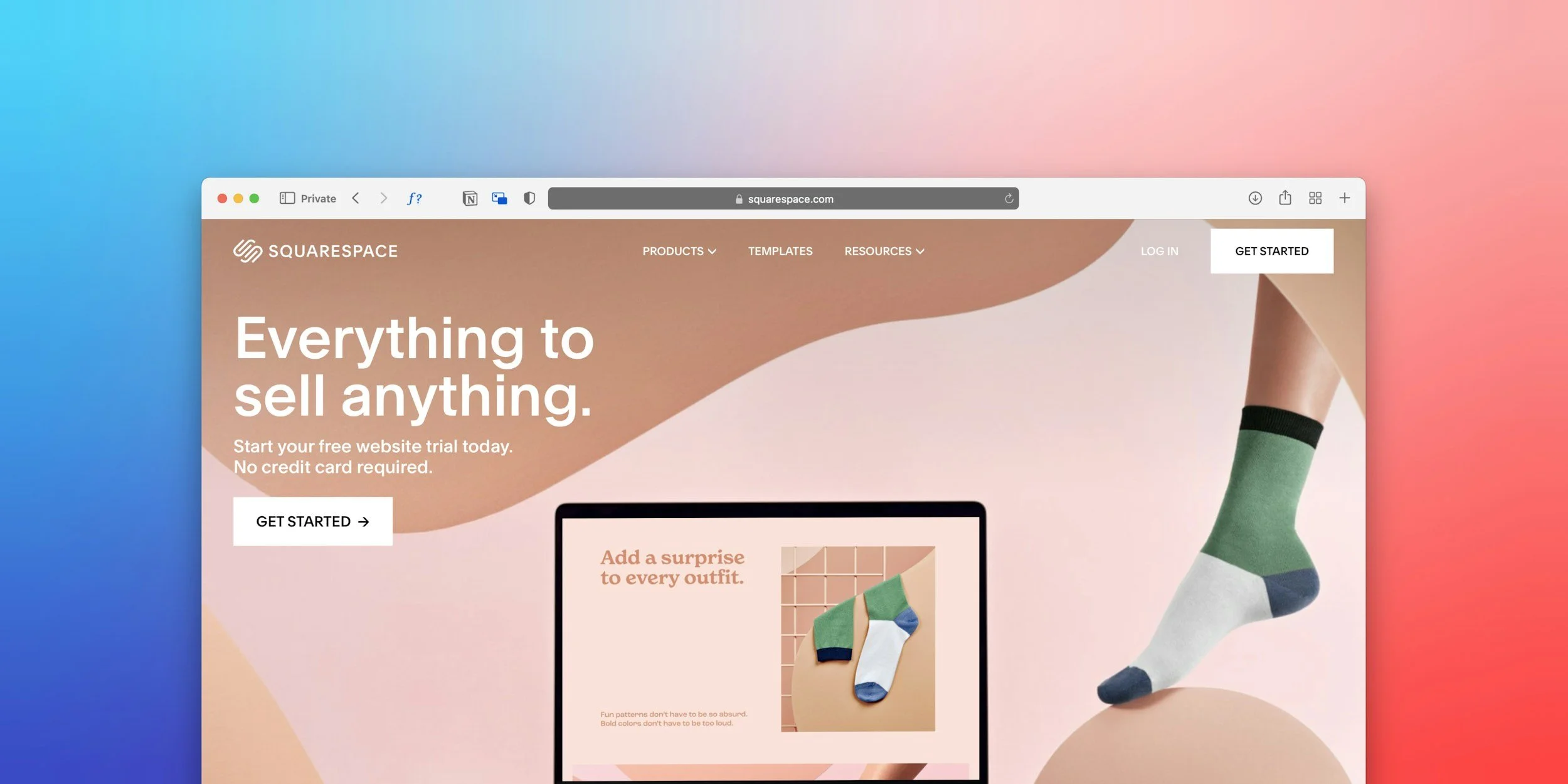
I currently run my website, online shop and email marketing all through Squarespace, and I absolutely love it. It’s the heart and centre of my creative business, and all roads lead here.
I used Wordpress as a web designer for almost 10 years, but when Squarespace made some significant upgrades in 2023, I decided to switch (you can read more about that all in my blog post here). Then in March 2026, I decided to switch my email marketing from Mailerlite (also recommended) over to Squarespace too, and so far I’m pretty happy.
Squarespace, like any system, has its niggles, but I’ve found it to be intuitive and easy to use, whilst also offering a considerable amount of complexity to be able to support all the different things I do in my small creative business.
Aside from my basic website pages, I also have an online shop on my website, and I don’t pay any fees to Squarespace on my current plan for physical product sales (although I do still have Stripe fees, which are usually 2.5%). I’ve been able to sell digital downloads easily, and will be selling access to courses and member areas in future - all designed and sold through Squarespace without having to faff about with plugins or third party systems, and it makes life so much easier.
The biggest difference I’ve noticed since switching to Squarespace, is that I have more time for creating new things because I’m not having to deal with endless tech headaches and running updates. It’s very much worth it.
With my Squarespace email marketing plan, I can send the usual emails to my mailing list and also set up automated emails, including sequences up to 12 emails (I think it’s 12 - this was still in development when I was testing this so it may change). Automation sequences are a new feature which I think is still being rolled out, so it may not be available to everyone yet.
If want to experience a Squarespace email automation sequence, sign up to my 7 Days of Creative Calm here. This is automated to send out one email a day for 7 days.
There are certainly limitations to what you can do and how much you can customise the design of the emails in Squarespace, so if you want to do anything particularly complex it may not be for you. However I find the simplicity of the system kind of nice, as I don’t like things to get overly complex in my creative business.
2. Zoho
Hosting my business email
My favourite thing about using Zoho to host my business email is that it doesn’t cost £70 a year like Google Workspace does. In 2025 my email hosting with Zoho for the whole year cost me the grand total of £11.52. And it works. It’s secure, it gets the job done - and you don’t have to deal with the monster that is Google’s admin panel (or is it just me that hates that?)
Granted, with Google you’re also getting access to all their products for that price, but I’ve been using Google drive with a free account for donkeys years and have never reached my limit with that, and I prefer to use Zoom so have no need for Google Meet.
A lot of people use Google to host their business email because of the familiarity factor, which I can entirely understand. If you’re on the lookout to save some money though, Zoho or Namecheap are worth exploring and both cost about 80p per month.
3. Ticket Tailor
Event ticketing
I choose Ticket Tailor over Eventbrite partly because it’s a cheaper system and partly because I like the strong ethics Ticket Tailor hold. They’re a B-Corp with an Outstanding rating, and it makes me happy knowing that by using them I’m helping fund good things in the world.
Eventbrite used to have an edge over Ticket Tailor in the fact that they marketed you more to their users, but Eventbrite have now commoditised the marketing side of things, so unless you want to pay extra to be promoted by them I don’t think it makes much difference.
Once you’ve got your site set up and branded on Ticket Tailor, it’s a pretty easy system to use, and you can choose to either pay a small fee on every ticket sold or purchase packs of credits upfront and save money. I sell tickets to my events using Ticket Tailor - you can see my page here.
4. Canva
For quick designs
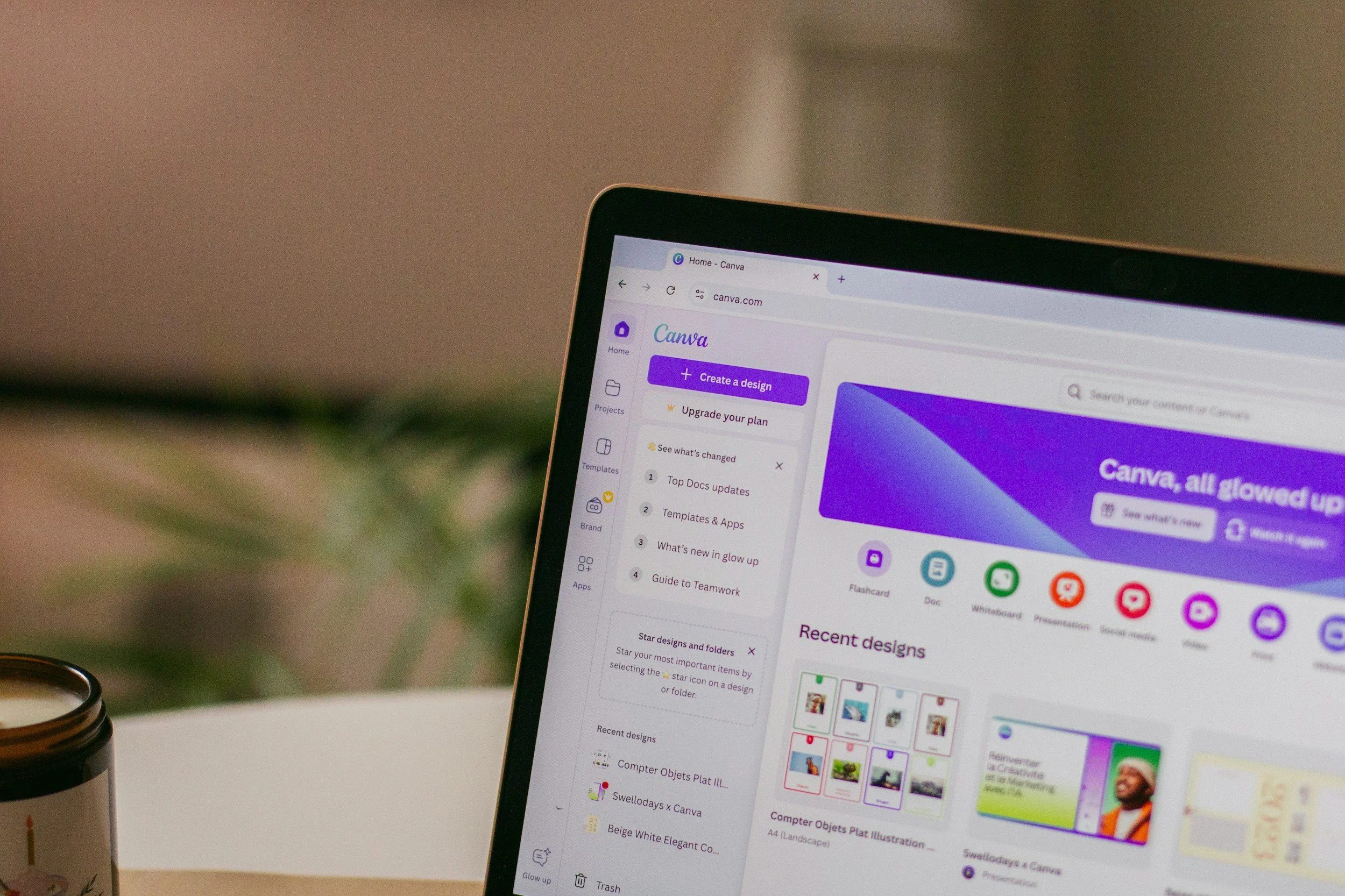
I have a subscription to Canva Pro, and I use it most days in my creative business. Canva is pretty widely known and used these days, and with good reason. It’s made it incredibly easy to create quick designs for all kinds of things in your business.
I mainly use Canva to create my Instagram posts, graphics and images for my website & newsletter, and PDF resources for any freebies, projects, workshops or courses I run. Canva comes into its own with simple everyday design tasks in my creative business, as it makes it so quick and easy.
Where Canva falls down I think is where you need anything more advanced. Although Canva advertises itself as a tool for website building, logo creation, and print design, you simply don’t have the level of control you really need for these things at a professional level. You can’t export a logo as a vector file to send to a designer, the website functionality is basic at best, and you can’t finely tune the settings on a document to reflect a printing company’s requirements.
I use Canva for my basics like social media posts however, and it’s brilliant for it. For anything more complex, I use Adobe or Affinity. Which is actually what I talk about next…
5. Affinity
For more complex design work
Affinity have produced design software for years, with cheaper alternatives to Adobe Illustrator, InDesign & Photoshop. Recently Affinity were bought out by Canva, and they have released a combined design software solution which is completely free. They say it will remain free, but many people are skeptic about that - I suppose time will tell!
I use Affinity when I need more advanced design features than Canva offers; for example if I’m designing a vector graphic like a logo, or creating something I want to get professionally printed such as a brochure or greetings cards.
As someone who used to be a graphic designer, I personally think Adobe products are superior as a professional design tool, but they equally come with a much higher price tag. They’re only really affordable if you use them regularly as a professional artist, designer or creative, and so if you’re looking for some professional design tools to just use occasionally in your business, Affinity is a great choice.
6. A Color Story
editing my social photos
A Color Story is a fairly lite phone app for photo editing, which I’ve been using for years. I specifically tend to use it to tweak photos for use on Instagram, on blog posts and in newsletters. It’s great for a quick adjustment of light and colour, and I tend to use one of the pre-installed filters to ensure a consistent style across my photos.
For any more complex photo editing, you’ll probably want to use something heftier like Adobe Lightroom, but for the day-to-day posts and updates, I find A Color Story offers a quick fix.

7. Trello
organising my brain
Attalasian’s Trello is a lovely bit of productivity & planning kit, and an old friend of mine. I like to use the free board layout to help me organise and store my thoughts, ideas and creative business plans. It’s the digital equivalent of using post-it notes really, and I find it works so well with my creative brain.
I’ve planned out course content, workshops & marketing plans on here, as well as run to-do lists and planned projects. I particularly love that you can do a massive brain dump of ideas as individual “cards” and then drag and drop the cards around to organise them.
If your creative brain loves planning with post-it notes, you’ll probably love Trello.
8. Eule Business Planner
My favourite paper planner yet
https://calmbusiness.com/euleplanner
While I do use a digital calendar for appointments, you can’t beat a physical paper planner for helping me to keep track of everything involved in the day to day running of my creative business. I like to have space to log reminders, have weekly to-do lists and jot down notes here and there. When I don’t have a paper planner to do this, my brain gets overloaded and I start dropping plates.
I have tried so many different paper planners in my creative business I’ve lost count. There’s loads of good ones out there, and I don’t think there’s one definitive one that will work for everyone. Planning is a very personal process, so you have to find what suits you best — and that requires trial and error.
However, I can suggest some planners you could try. Annoyingly, many of the best planners I’ve found are based in the USA, which isn’t so great if you’re a UK-based business given the current cost of postage, customs and tariffs. Sometimes a good planner deserves paying a high price though!
My current planner for 2026 is Kerstin Martin’s Eule Business Planner, and it is hands down my favourite planner so far, because it’s been created by a small business owner for small business owners. I love the simple weekly spread layout, the monthly reflections & planning area, and the fact there are two pages for notes between every week. Kerstin only does a small print run once a year, and they always sell out, so you have to be quick with it.
Other planners I’ve used and liked are:
Busy B for something super simple: https://busyb.co.uk
Passion Planners: https://passionplanner.com
Pareto Planners: https://www.mypareto.co
Moleskin Planners: https://www.moleskine.com/en-gb/shop/diaries/18-month-diary/weekly-planners/
Philomene if you want to print your own planner pages: https://philomene.co

9. Starling
My business bank
I’ve tried a few different small business banks over the years, and I think I’ve finally settled on Starling’s Sole Trader business account. I’m also with Tide which is very good, but I was finding their transaction fees a bit frustrating, so Starling is now my main account (although if you do set up an account with Tide, you can use my referral code M2J33R and get £100 if you spend £500 in 91 days).
I have no complaints at all about Starling so far, and particularly like that I can set up “spaces” to put money aside for things like taxes. Starling have basic accounting features included in their business accounts, including integration with Making Tax Digital submissions, which covers everything I need.
10. A-N membership
artist insurance
As someone who runs creative workshops, insurance is essential for me! With The Artists Information Company membership I get PPI & PI insurance, as well as access to a whole network of useful resources, for £38 a year. They’re also incredibly helpful for giving advice around pretty much anything artist-related. You have to be a practicing artist to be eligible to join, but it is very worth it if you can.